
If you’ve forgotten your password or need to create a new one, you can easily reset it from the login page. Follow the steps below to request a password reset email, set a new password, and regain access to your account.
Go to the login page
Open your browser and go to: https://a2.fmtc.co
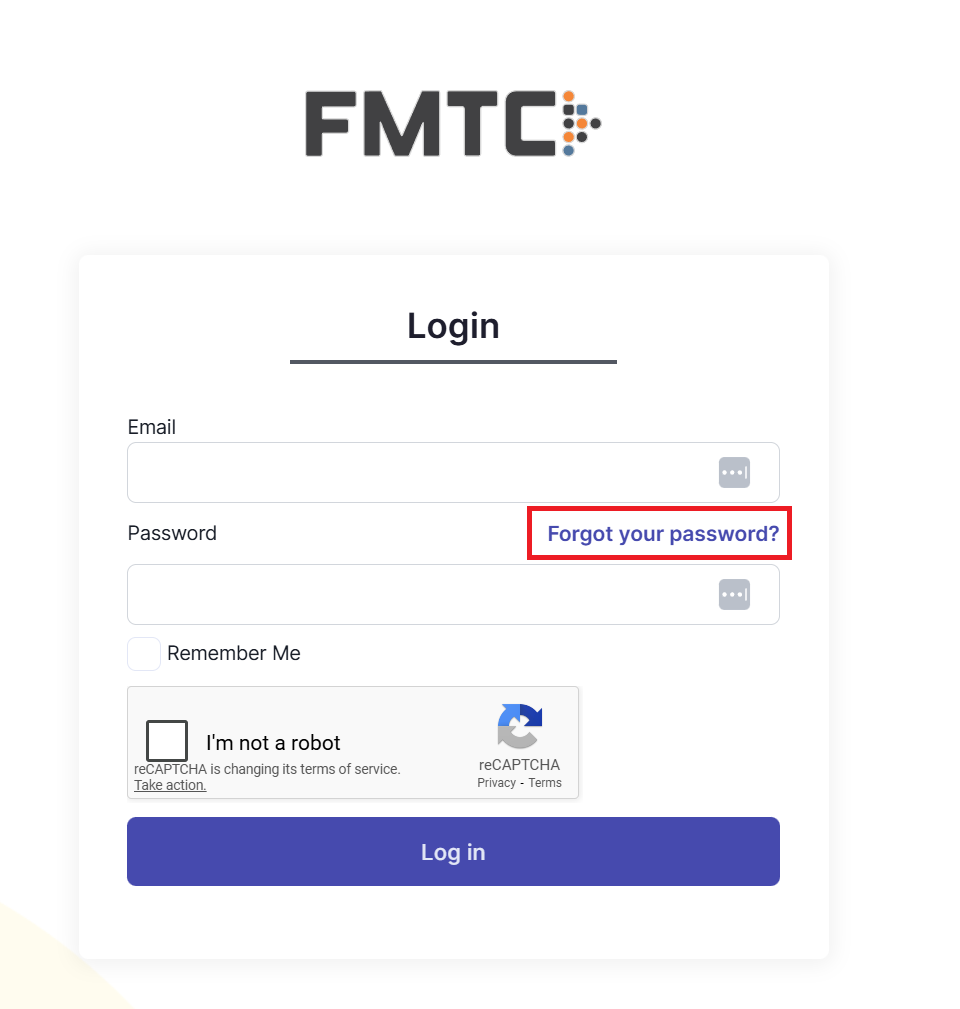
Click “Forgot your password?”
On the login screen, click the “Forgot your password?” link under the login form.
Enter your email address
Type the email address associated with your account into the field provided.
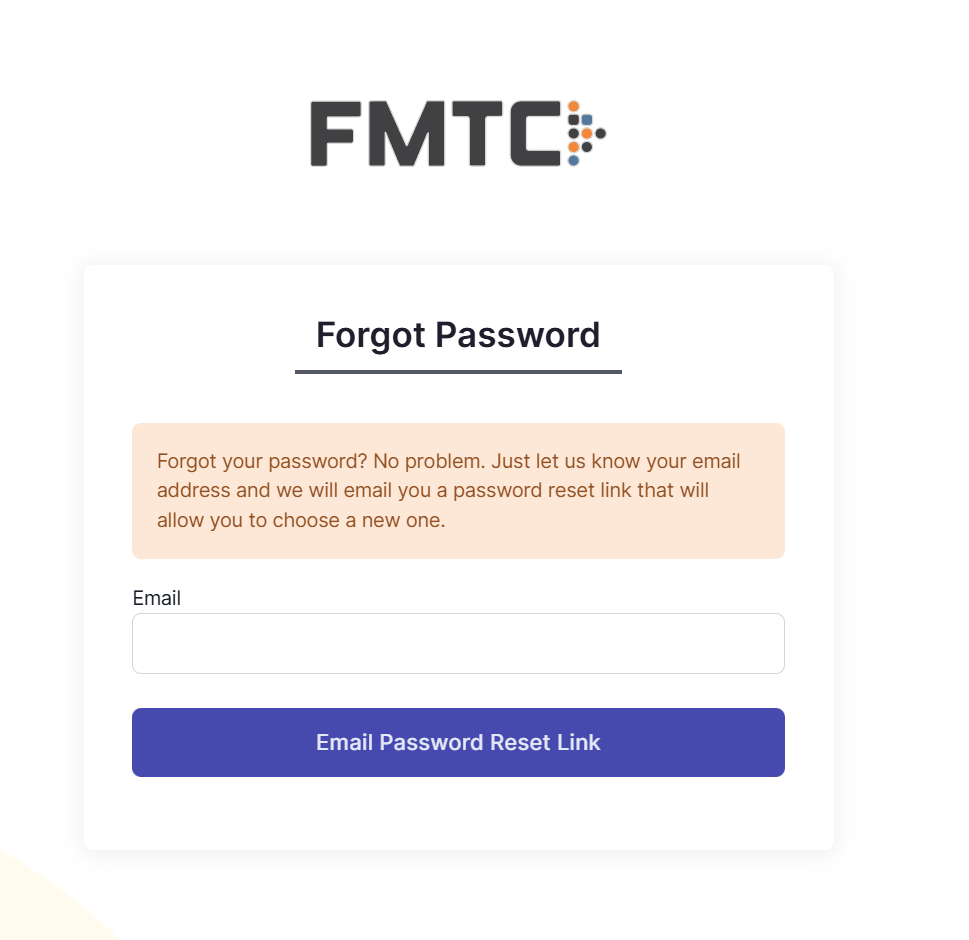
Click Email Password Reset Link
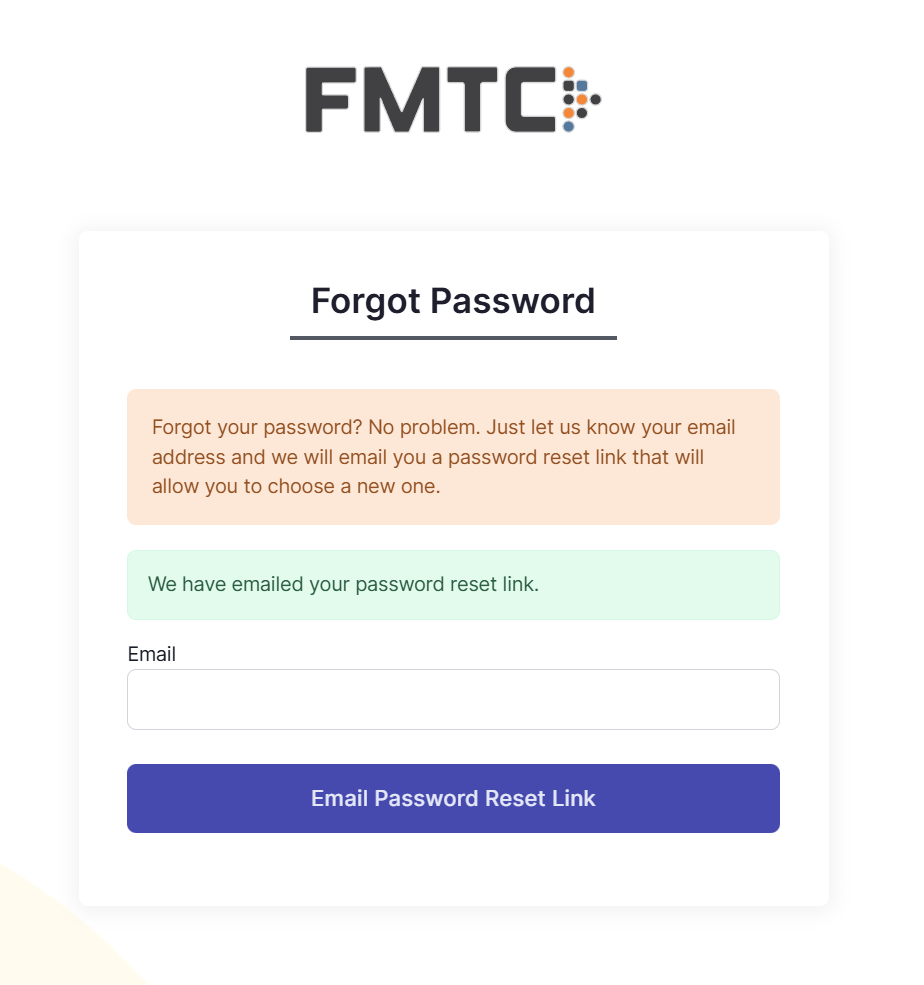
Check your email
Open your email inbox for that email address.
Look for an email with a password reset link.
If you don’t see it after a few minutes, check your spam or junk folder.
Open the reset link
In the email, click the password reset link.
This will open a new page in your browser.
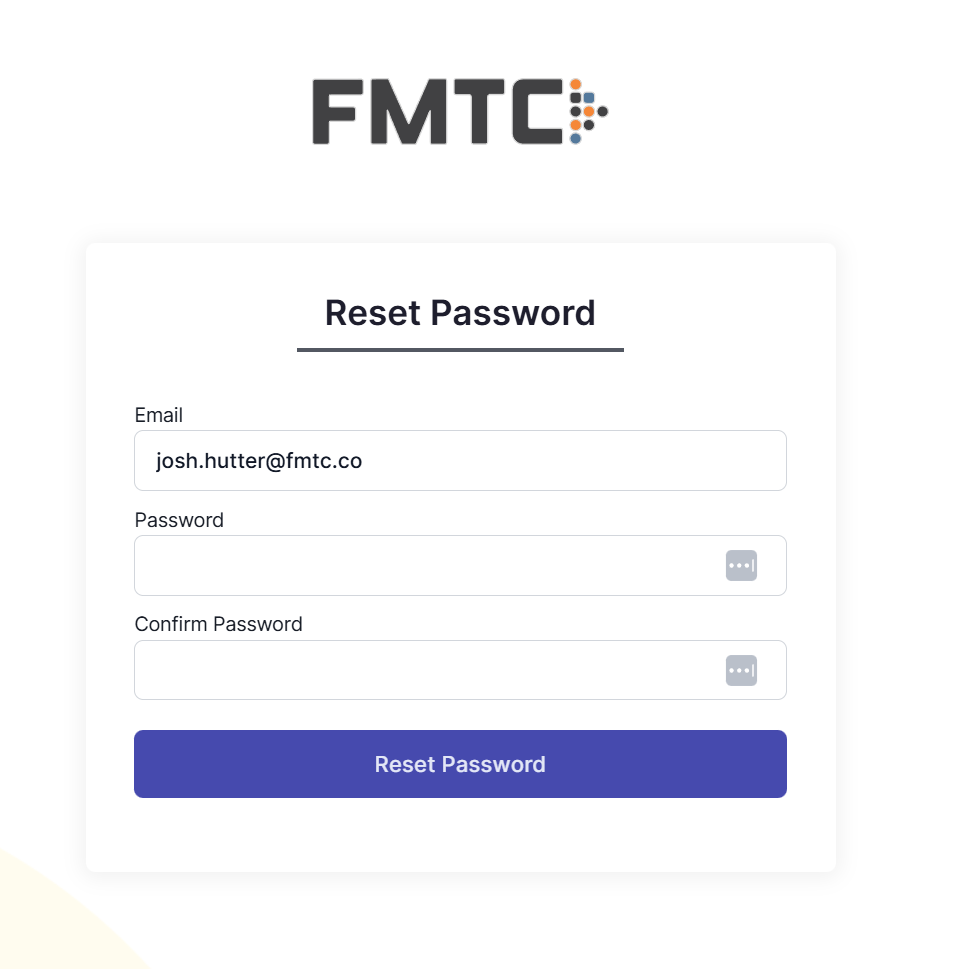
Enter your new password
On the new screen, enter your new password.
Confirm it in the second field.
Click Reset Password.
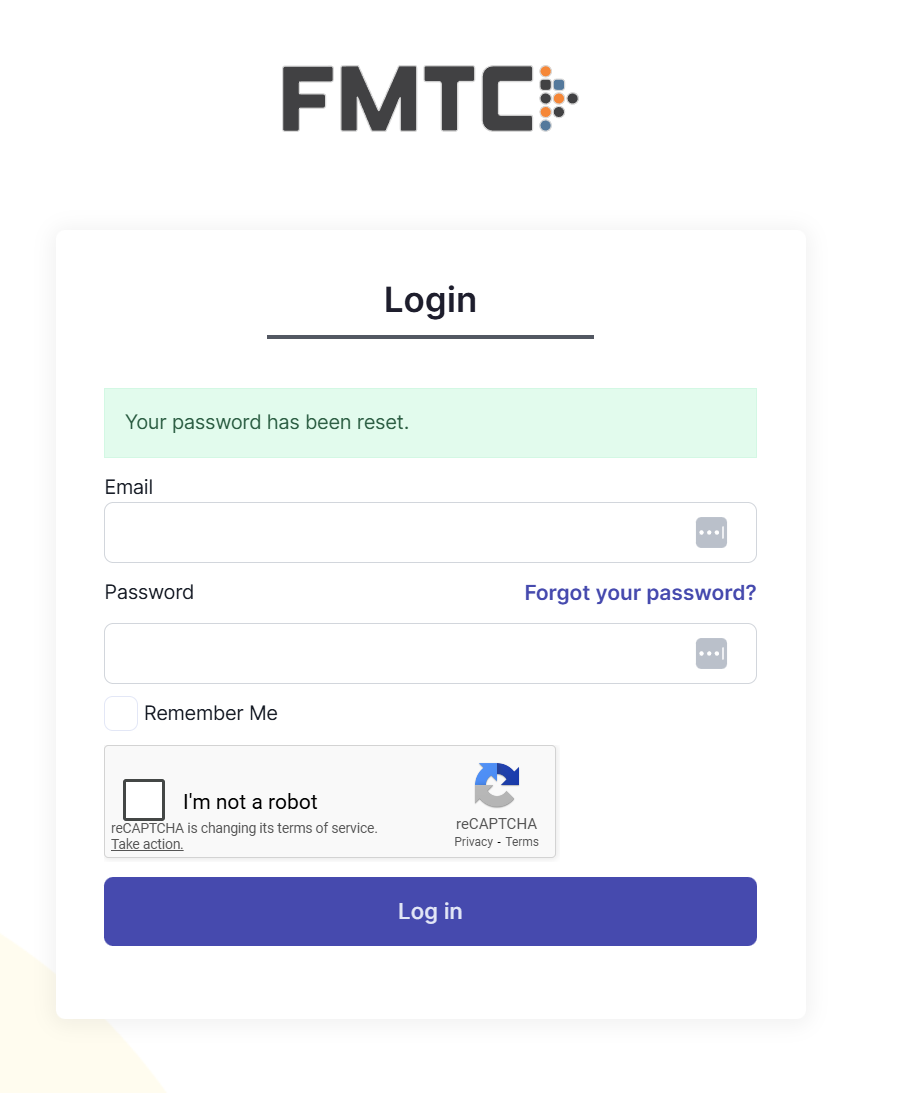
Log in with your new password
Return to https://a2.fmtc.co.
Log in using your email address and your new password.